Create digital work instructions and SOPs for manufacturing teams in minutes
StepWorks turns 3D CAD and legacy documents into interactive digital work instructions and Standard Operating Procedures (SOPs) your teams follow on any device. Explore assembly and maintenance use cases. For enterprise documentation at scale, see our digital transformation solution.
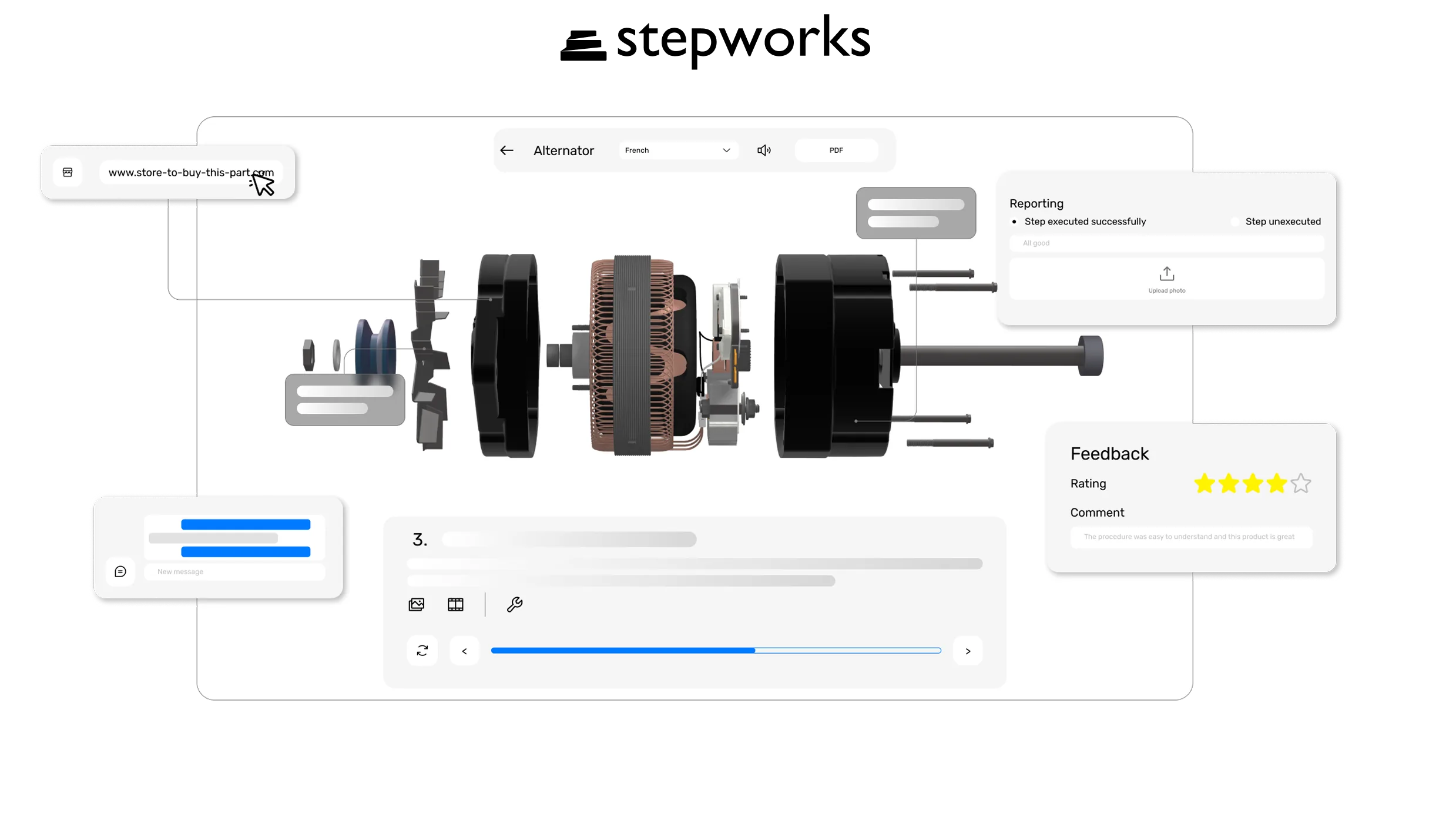
Why manufacturing teams choose StepWorks for digital work instructions

Cut errors and costly rework
Clear guidance to prevent errors before they happen.

Save hours of engineering time
Digital, step-by-step guides reduce downtime, prevent errors, and keep operations efficient.

Onboard new hires faster
Immersive instructions boost retention, ensure consistency, and help new hires ramp up quickly.

Scale without bottlenecks
Consistency in documentation means fewer fire drills as you grow.
Built for the Realities of Modern Manufacturing
Leverage legacy documents
Turn existing manuals and PDFs into interactive 3D instructions that cut errors and speed up training.
Never start from scratch
Record your workflow once and StepWorks auto-creates step-by-step animated instructions.
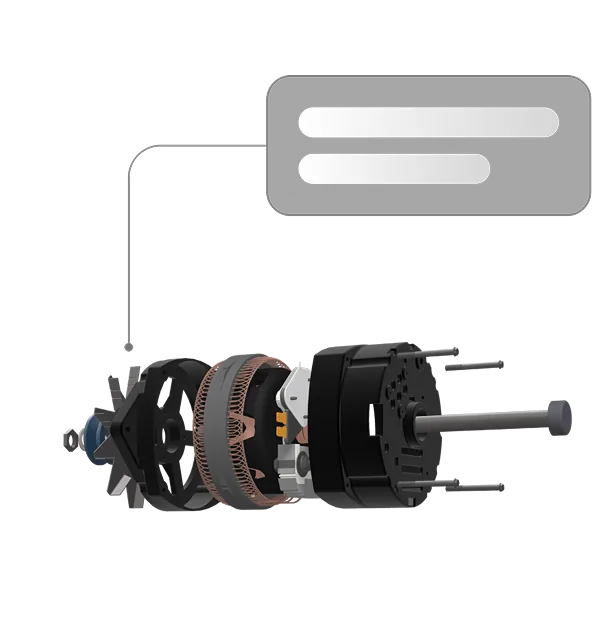
The all-in-one digital work instructions and product documentation platform
Understand by doing
Interactive 3D models, complete with animations, annotations, and photos, give operators a hands-on view of each step, cutting down errors and speeding up learning.
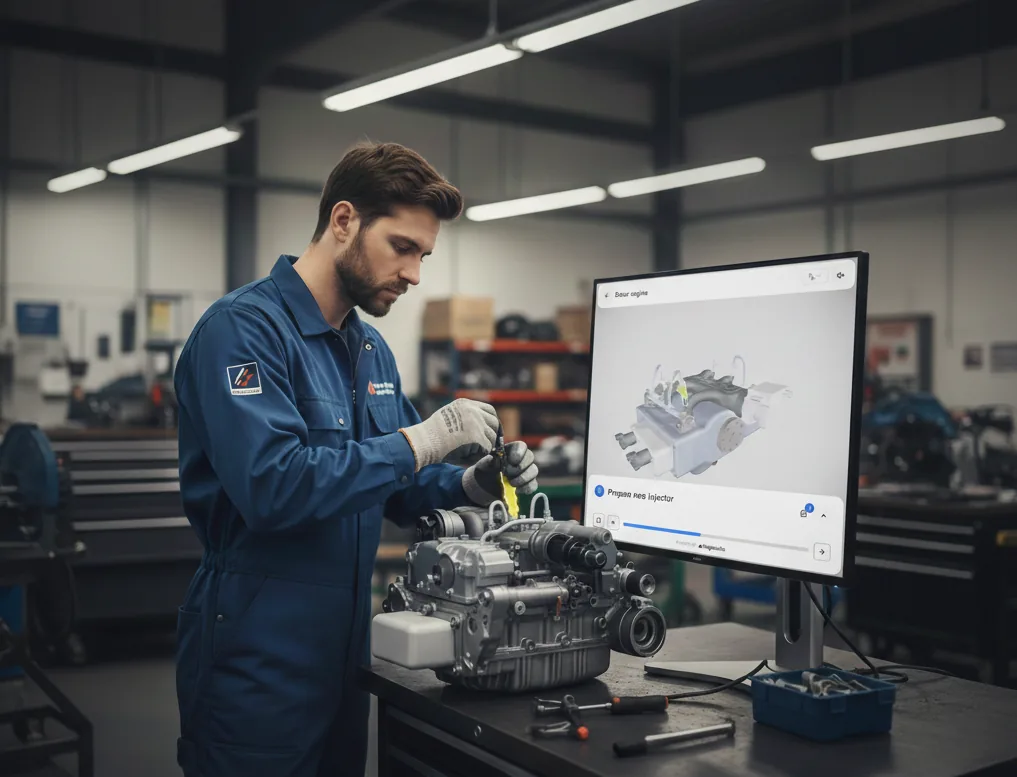
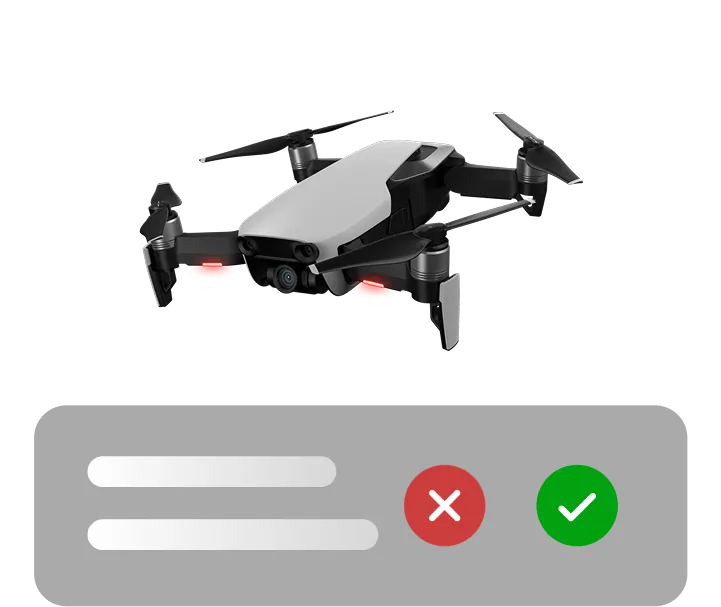
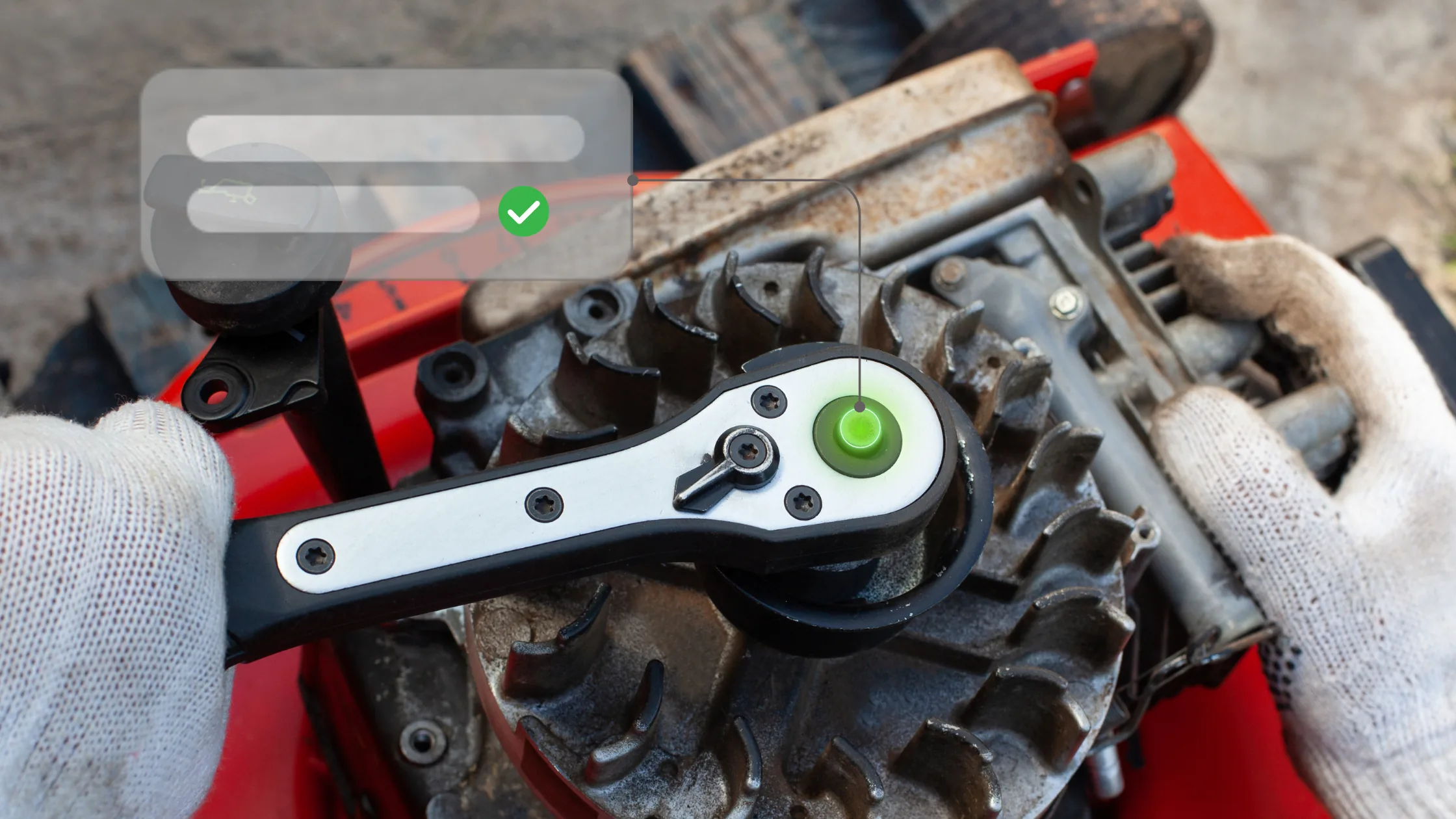
Proof every step is done right
Reporting with photo verification enforces compliance by requiring operators to capture confirmation before moving forward.
Clear guidance wherever work happens
Deliver instructions in multiple languages and share them across every device with instant updates when processes change.
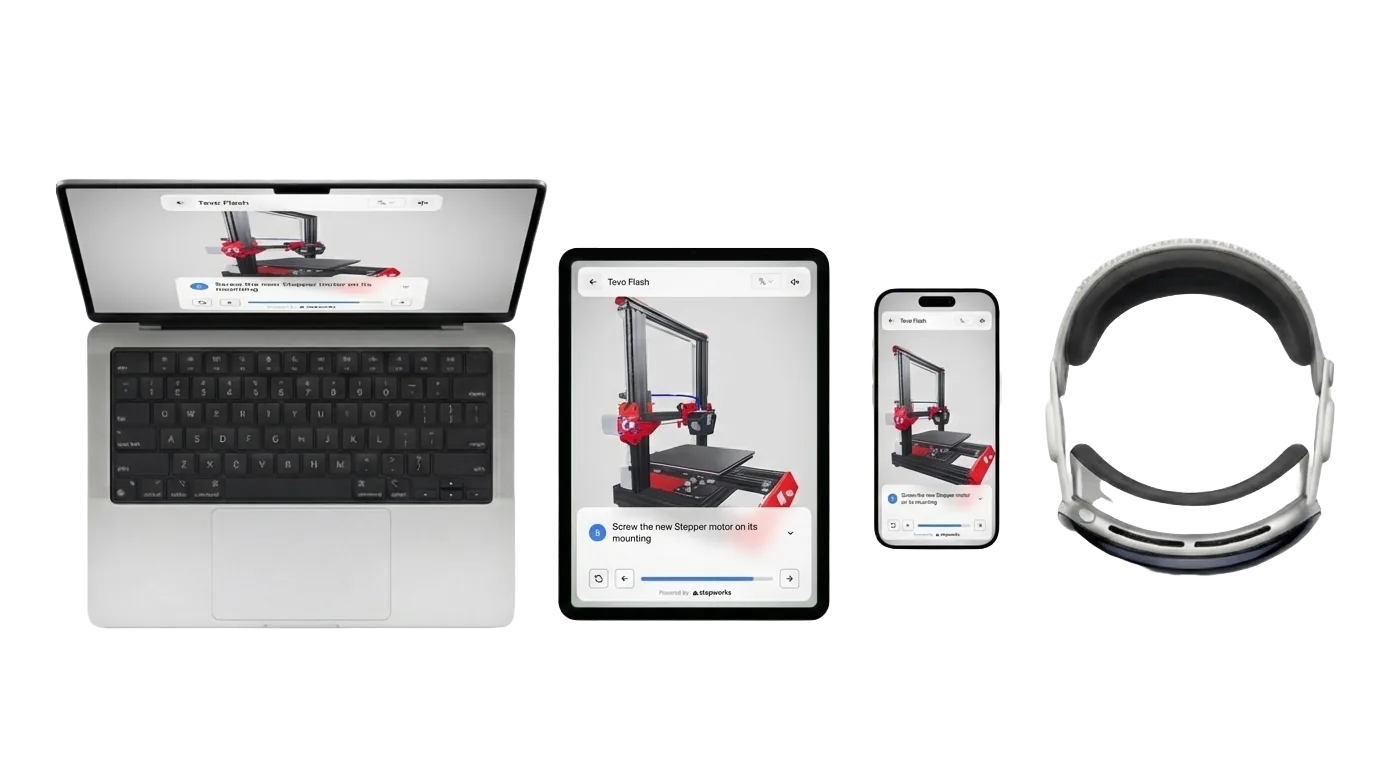
Share on any device
Adapts to mobile, tablet, and AR headsets so operators always have the latest step-by-step view.
Push updates once and they appear everywhere—no matter where teams are working.
Language translation
Translate procedures to any language in one click and keep every team on the same page.

Frequently Asked Questions
Find quick answers to common questions.
What is StepWorks?
StepWorks is software that helps manufacturers create and manage interactive, 3D work instructions, SOPs, and product user manuals. Procedures can be shared instantly and viewed on any device. Viewers can leave feedback directly in real-time, and every interaction is tracked, giving you data to improve processes, monitor compliance, and ensure consistent execution across your team.
Do I have to have a CAD model of my product to use StepWorks?
No, a CAD model is not required. StepWorks automatically converts CAD models and legacy documents into step-by-step guides with 3D model interactions and animations, but it is also possible to create model-less procedures.
What file formats does StepWorks support?
- CAD formats: glb, fbx, step (BETA)
- Document formats: txt, docx, pdf
What devices are StepWorks procedures compatible with?
Viewers can follow procedures on any computer, mobile device, or tablet, and in augmented reality with Apple Vision Pro.
Does StepWorks support augmented reality?
Yes. StepWorks procedures can be viewed in augmented reality to make training more immersive. Support is currently limited to Apple Vision Pro.